DU Panel ships its own apps for Android phones & tablets, Fire TV, Android TV, iPhone, iPad and Roku — all the same layout, all included with your panel. No third-party app licences, no per-device fees. They wear the theme you upload, show your ads, resume across devices, and talk to the panel over an encrypted, signed session instead of the old plain-text player API.
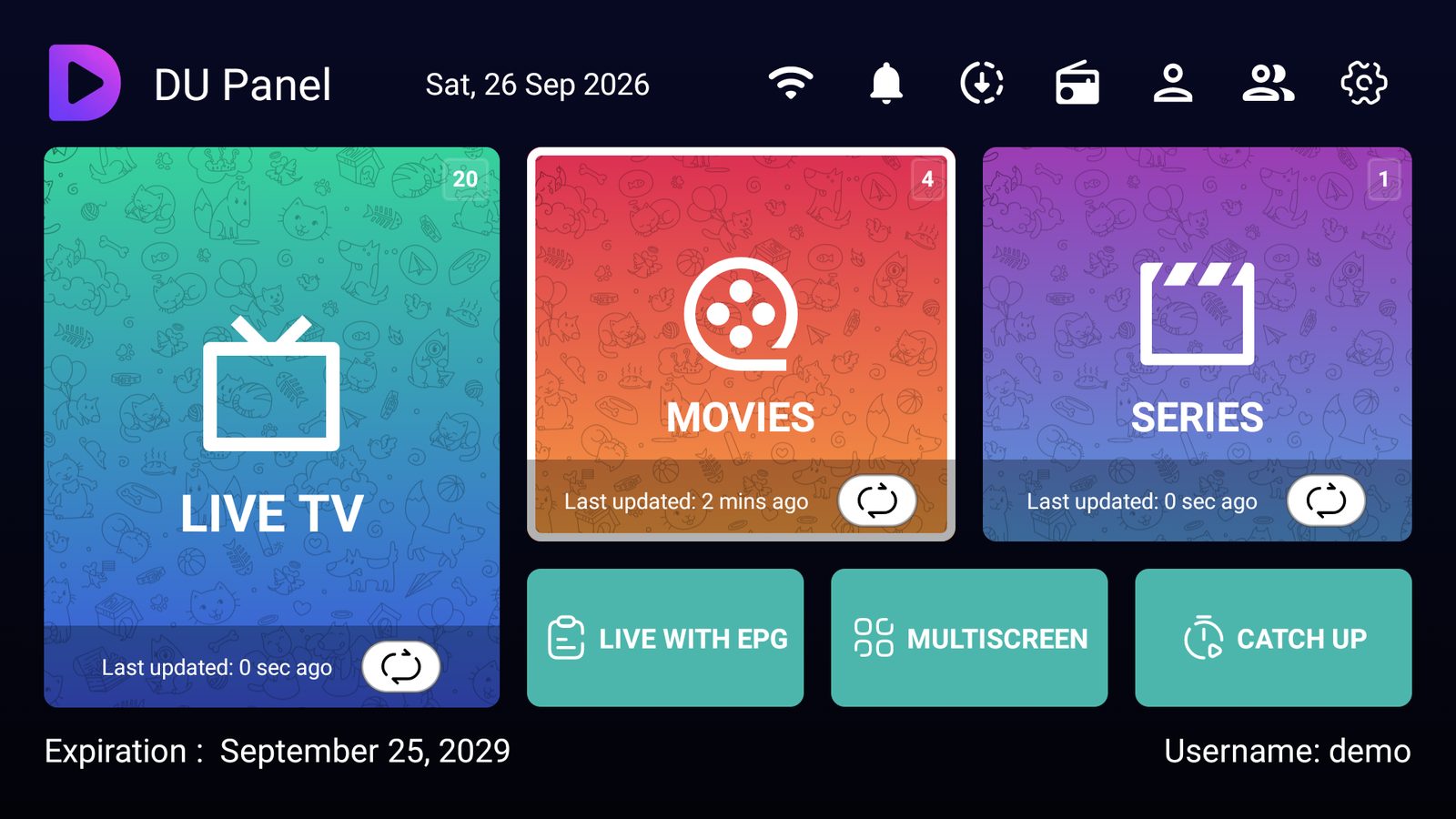
Everything a modern viewer expects — the same on a phone, a Fire Stick and a Roku.
The TV shows a code and QR; a signed-in phone scans it and the TV signs itself in. Nobody types a password on a remote.
Stop a movie on the Fire Stick, pick it up on the phone or the Roku — like Netflix, Hulu or Prime. Most IPTV apps can't; DU does it everywhere.
A full grid guide with a live mini-preview, now/next, categories in place and a fullscreen view — built in, not a bolt-on.
Netflix-style detail pages with poster, cast, TMDB ratings and a muted trailer hero; seasons, episodes and per-episode progress.
Rewind live where the source supports it and play the catch-up archive right from the guide.
Quality, audio track and subtitle pickers with live labels, gesture brightness/volume, seek, aspect ratio and speed. Powered by a hardened VLC engine.
Watch up to four channels at once — great for sports weekends.
Save a movie to the device with encrypted storage and watch it later without a connection.
PIN-lock adult categories and content; optional screenshot blocking.
Upload a theme in App Management and every app changes. Pop-up ads deep-link straight to a channel, movie or series.
Encrypted device sessions and signed requests — the app never stores the password and never uses the legacy plain-text player API.
Forced, centrally-managed updates keep every install current and secure — no stragglers running an old build.
Coming next: Chromecast & AirPlay casting, Picture-in-Picture, and a hardware/software decoder toggle.
Best of all, your customers can install it on a Fire Stick or Roku straight from their phone — signed in, no 30-minute sideload routine.
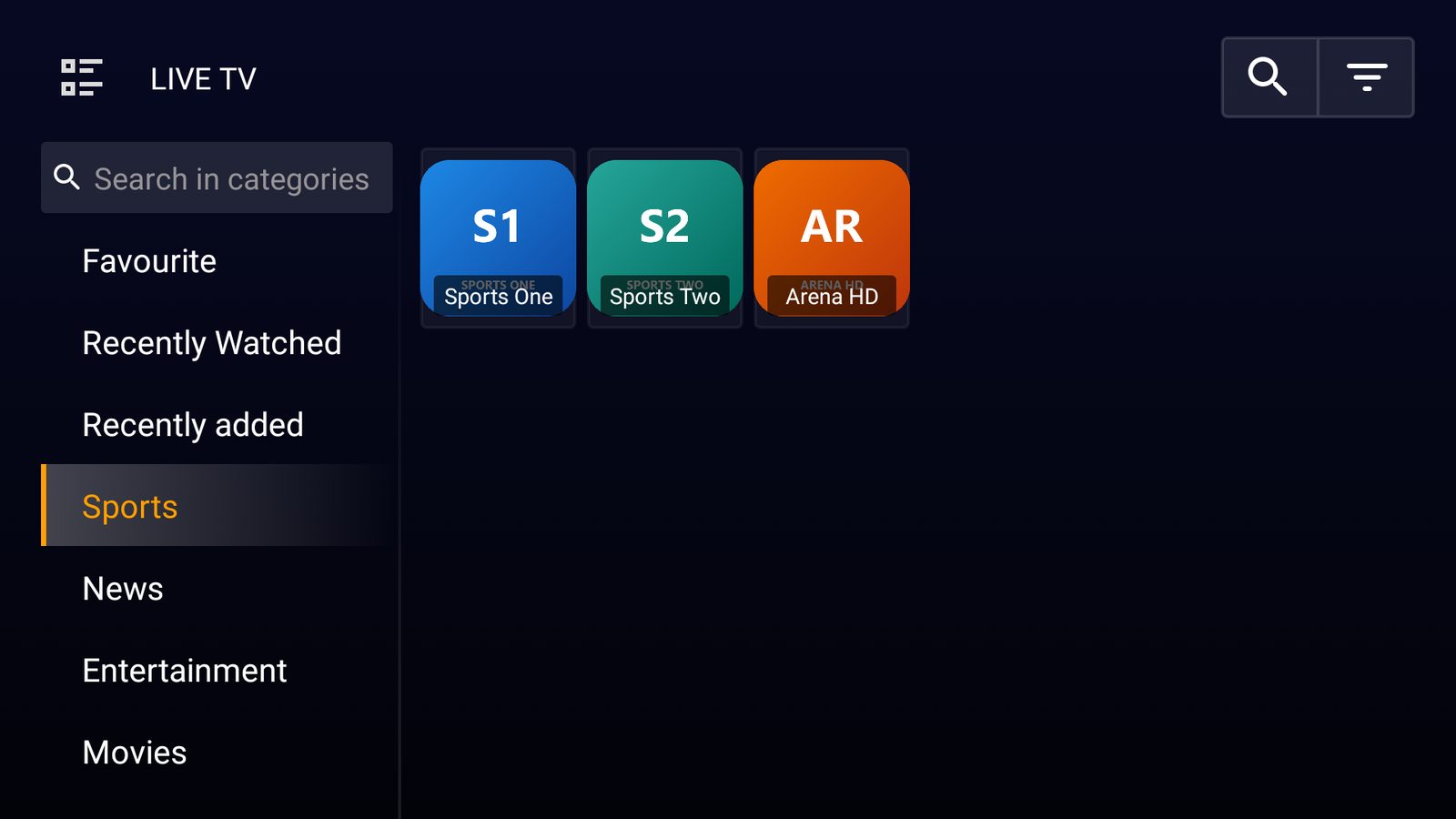 Live TV · categories, favourites, recently watched
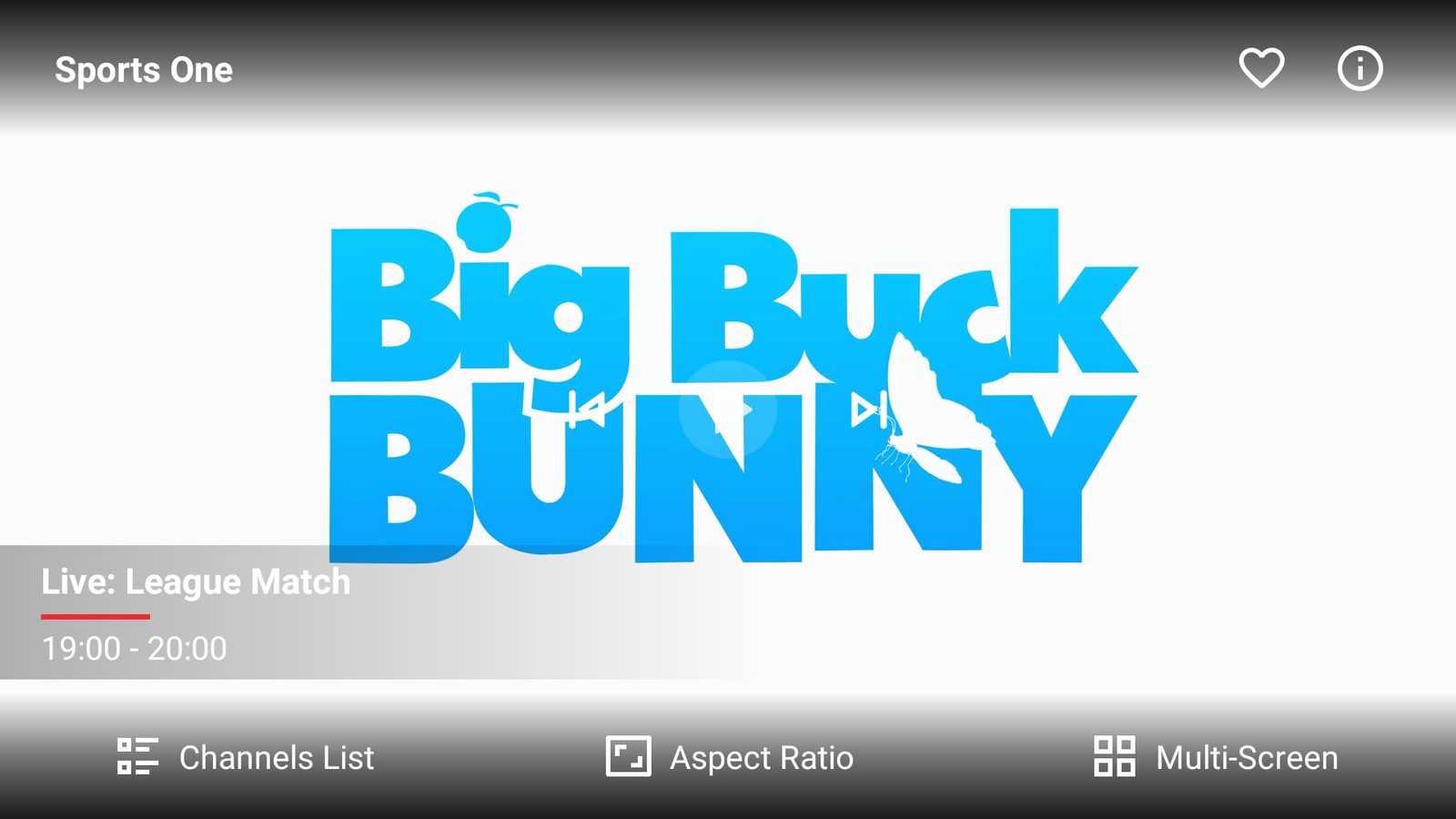 Player · now/next, channel list, quality & audio
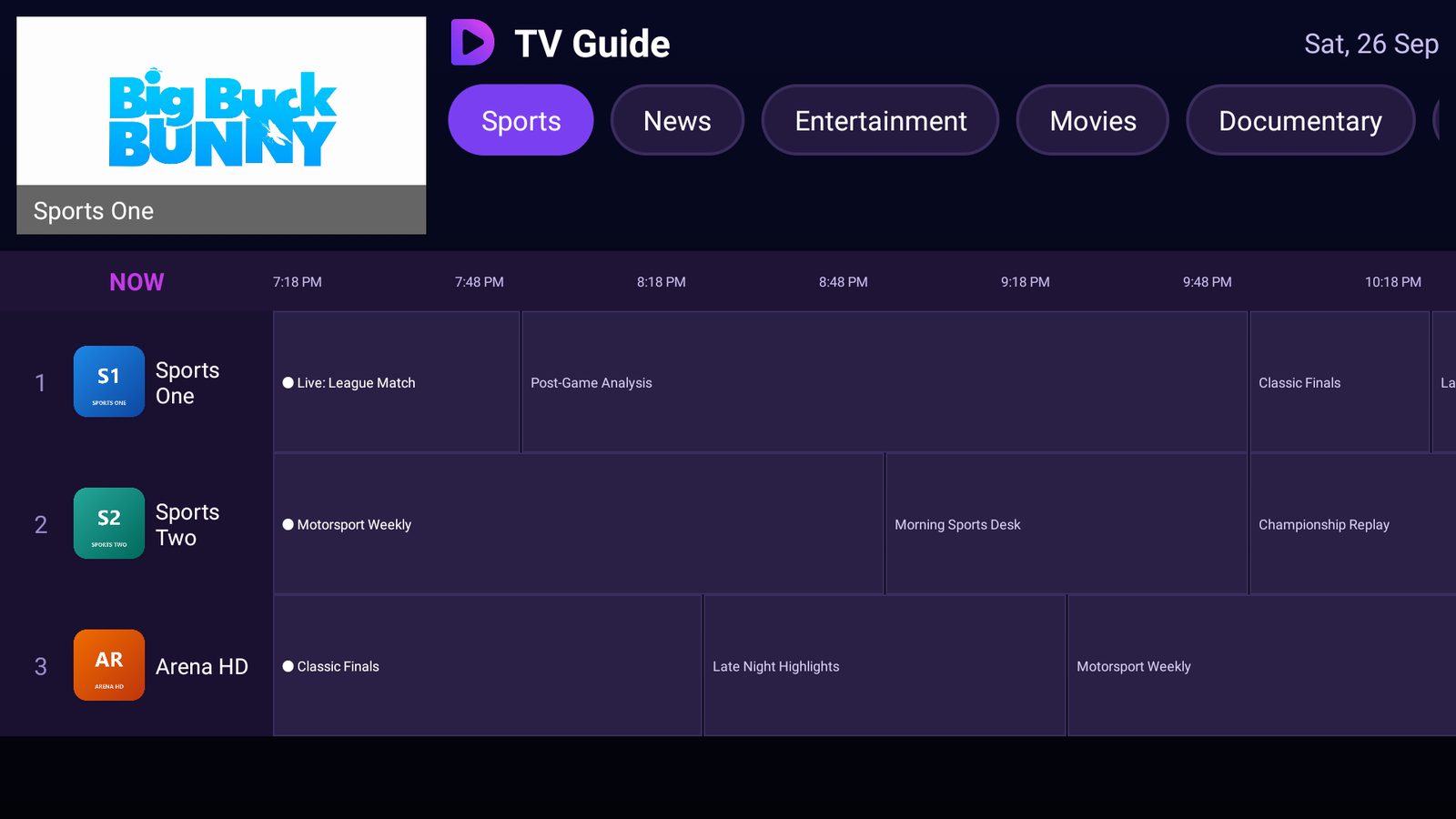 TV Guide · grid with live preview
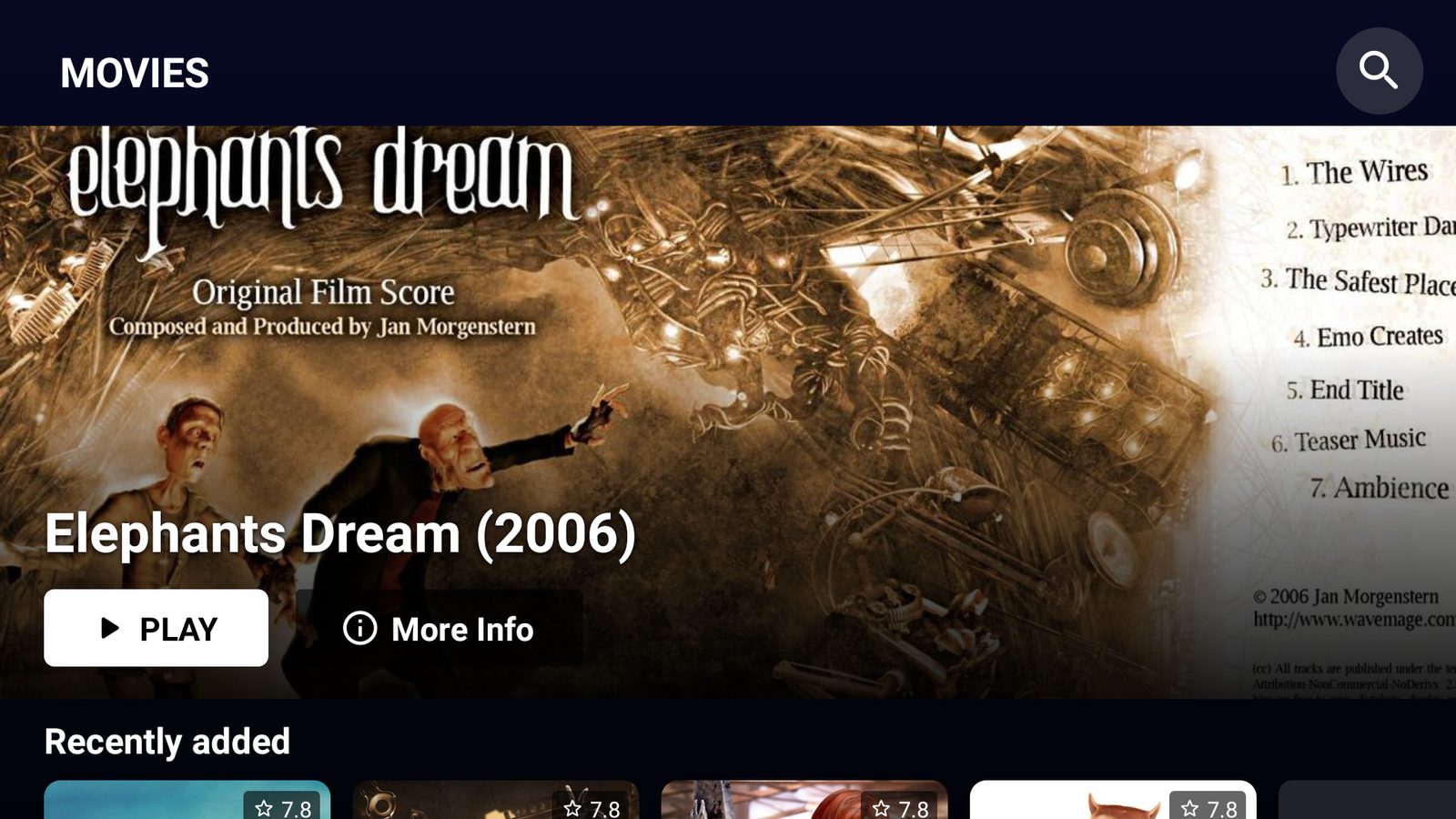 Movies · Netflix-style rails
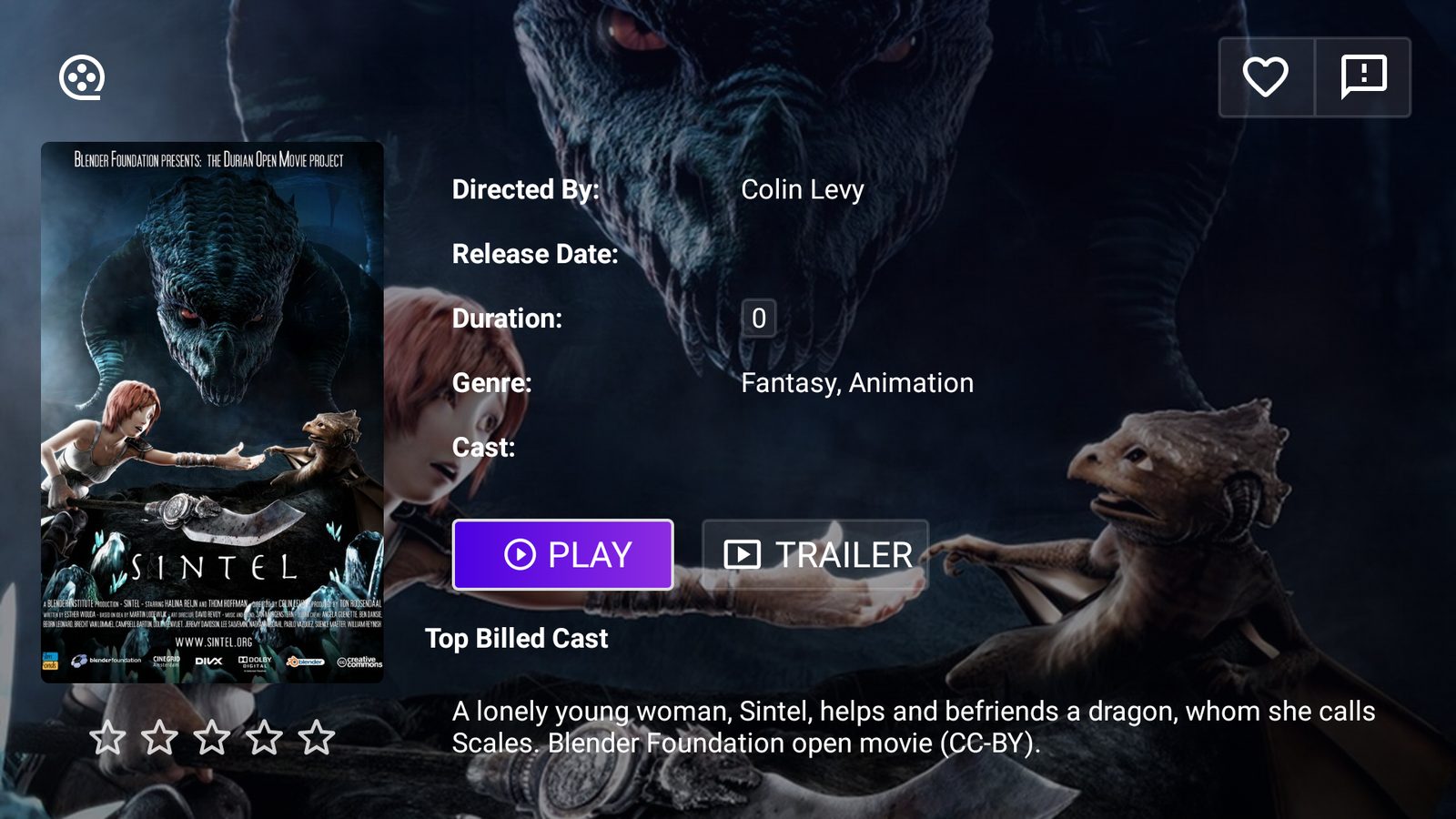 Movie details · cast, trailer, resume
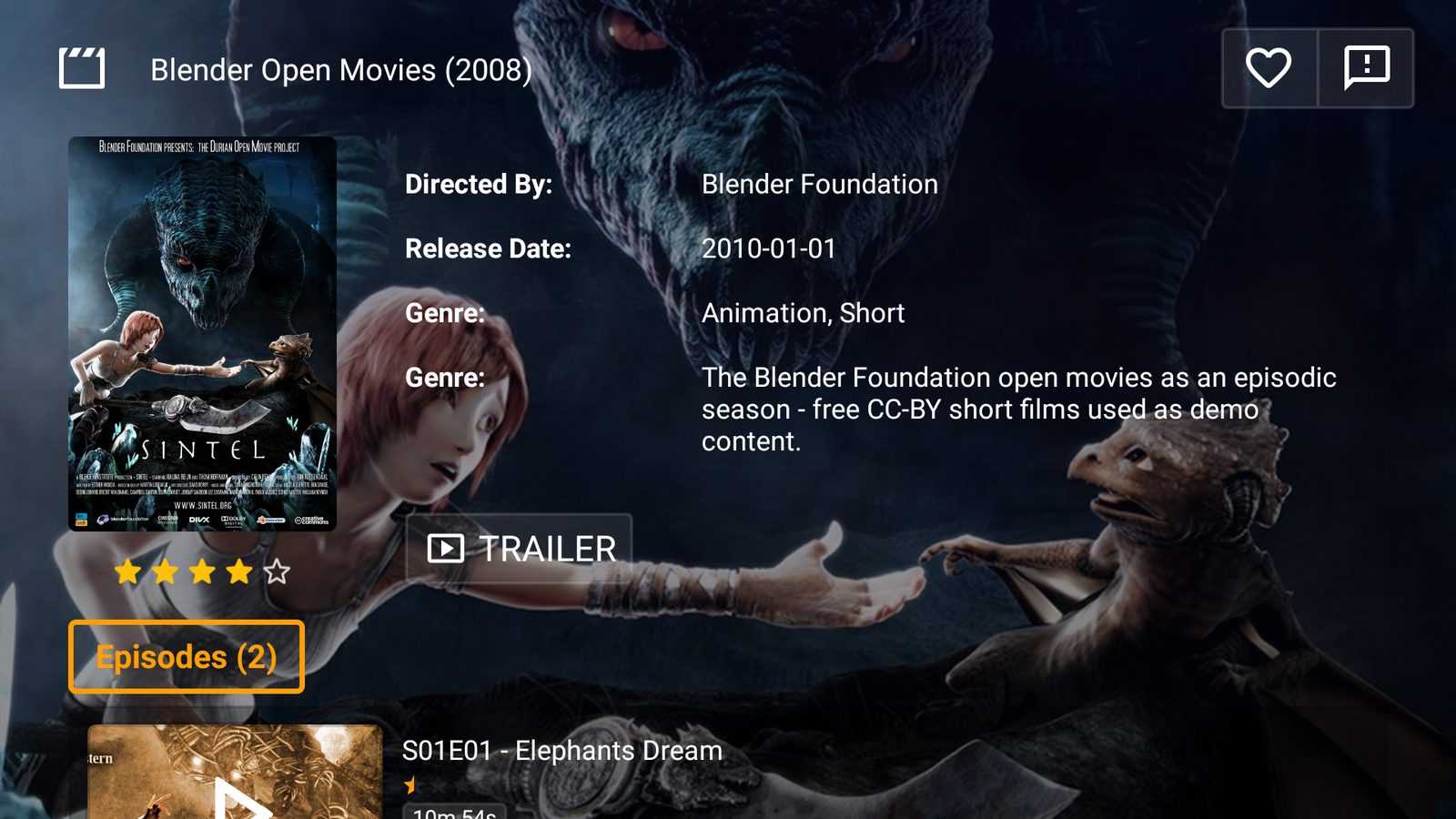 Series details · episodes with progress
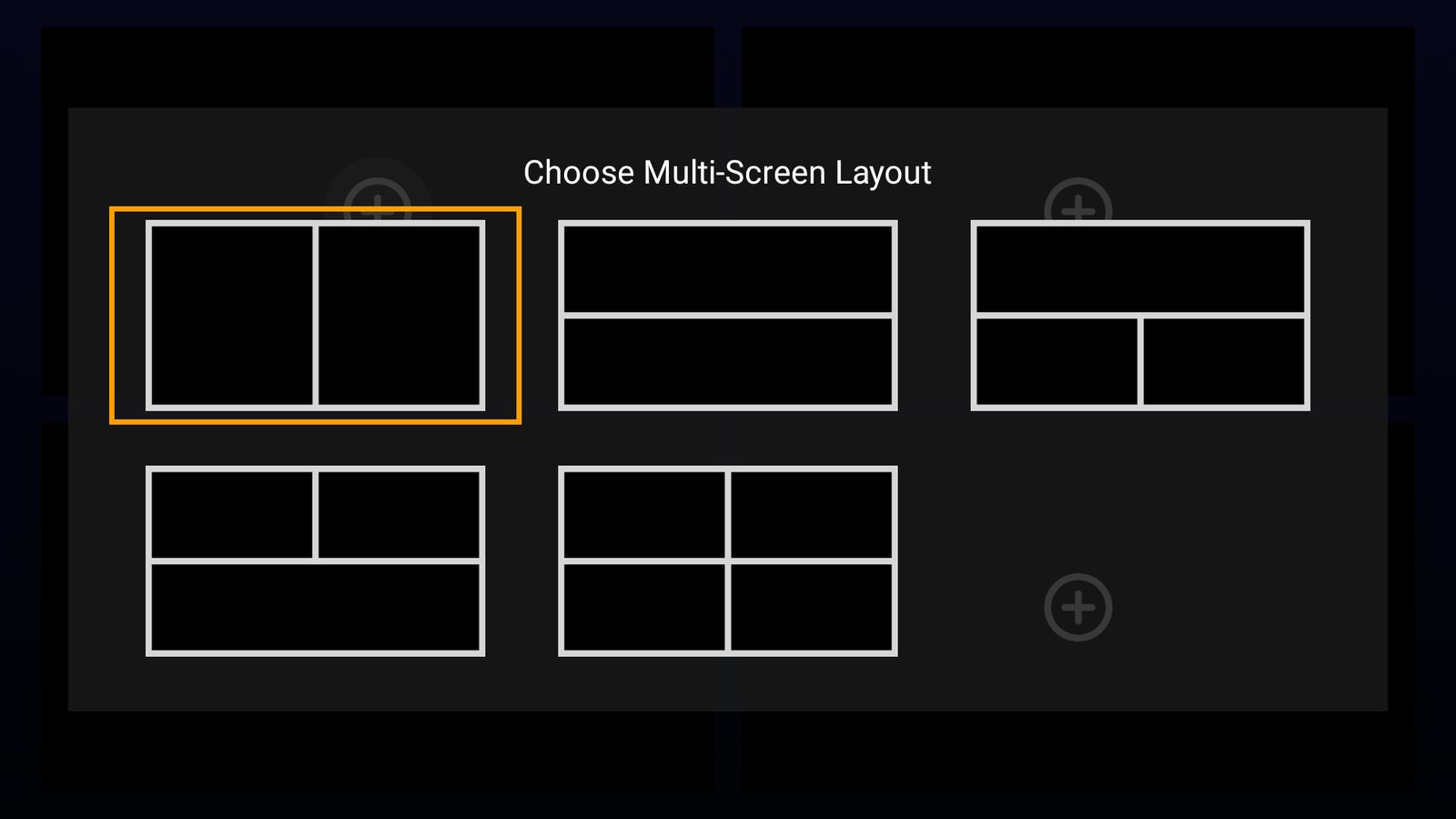 Multi-screen · up to four channels
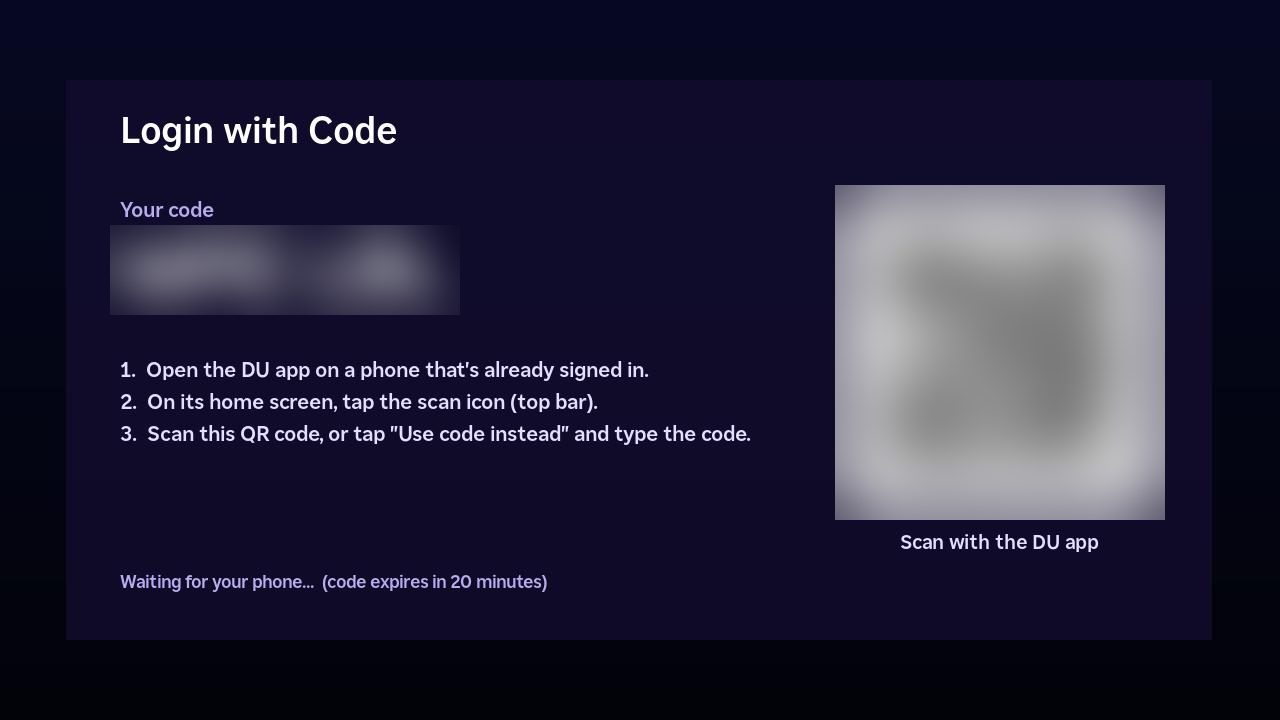 Login with Code · scan from a phone
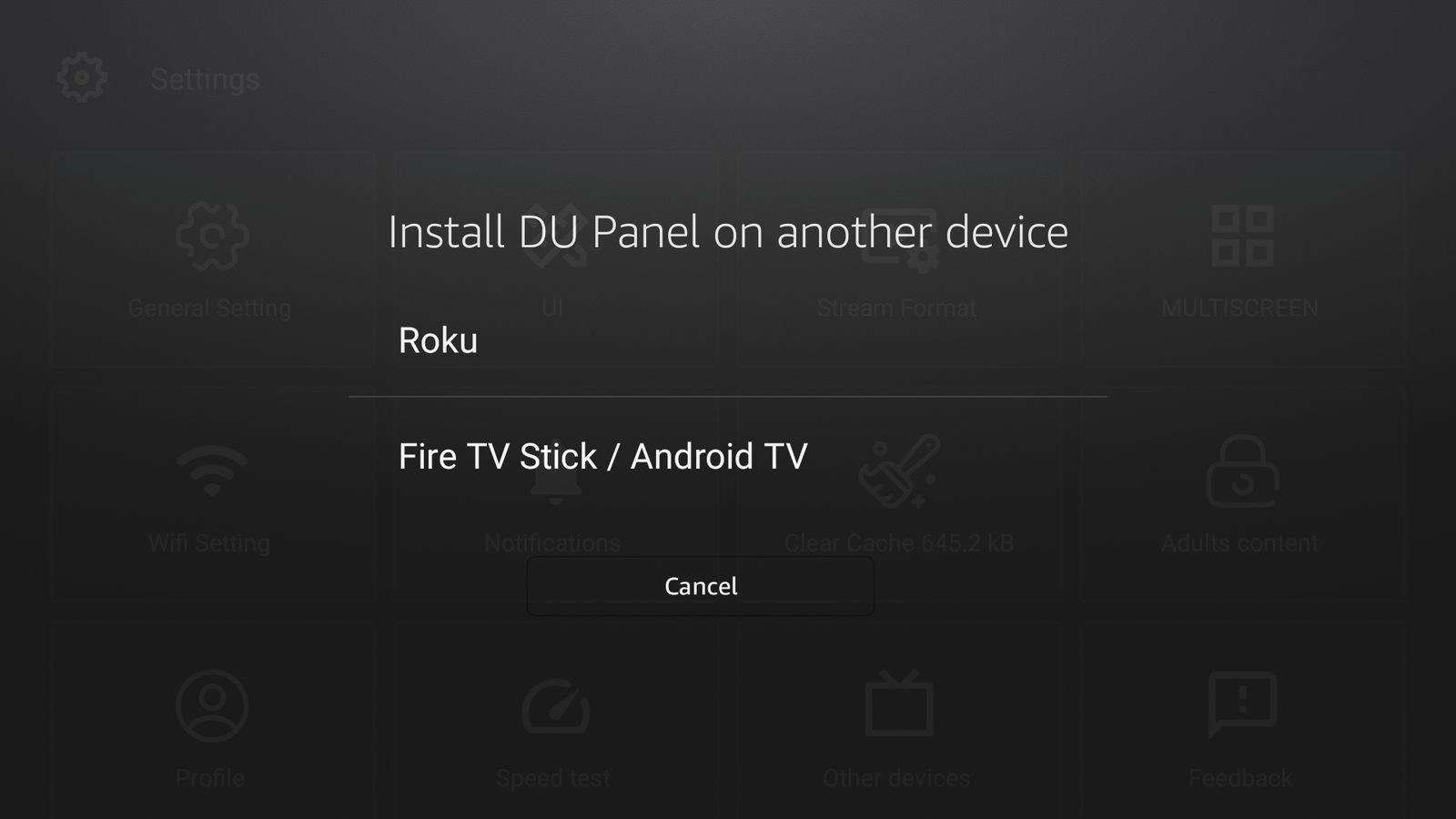 Other devices · install on a Roku or Fire TV
Captured from the Android / Fire TV app on a demo panel. The iPhone app and Roku channel use the same layout. Demo content is CC-BY open films; DU Panel hosts no streams.
No. All of them — Android, Fire TV, Android TV, iPhone, iPad and Roku — are included free with your DU Panel. Other panels make you buy separate app licences.
Yes. One app family, the same layout everywhere, so the theme you upload lands the same on every screen.
Updates are centrally managed and forced, so every device runs the current, secure build — you don't chase customers to update.
Yes — add it with code 9NTMRM5. No developer mode, no sideloading a zip.
Login with Code: the TV shows a code + QR, a signed-in phone scans it, and the TV signs itself in. No password on a remote.
The apps use encrypted device sessions and signed requests, never store the password, and never use the legacy plain-text player API. Third-party apps keep working as before.