
◆ Software only — we do not host any streams
DU Panel is self-hosted management software. It does not host, store, or supply any streams, channels, or media. You install it on infrastructure you control to organize and deliver only content you own or are authorized to distribute. You alone are responsible for what runs on your panel and for complying with all applicable laws. We never see, access, or control what operators do with their installations.
Run a serious streaming operation from one panel — with free apps for your customers.
Live, VOD, series, radio and catch-up. Xtream Codes, MAG and Enigma2 clients. Multi-server load balancing, resellers, a hardened modern stack — and Android, iPhone and Roku apps that carry your brand, included.
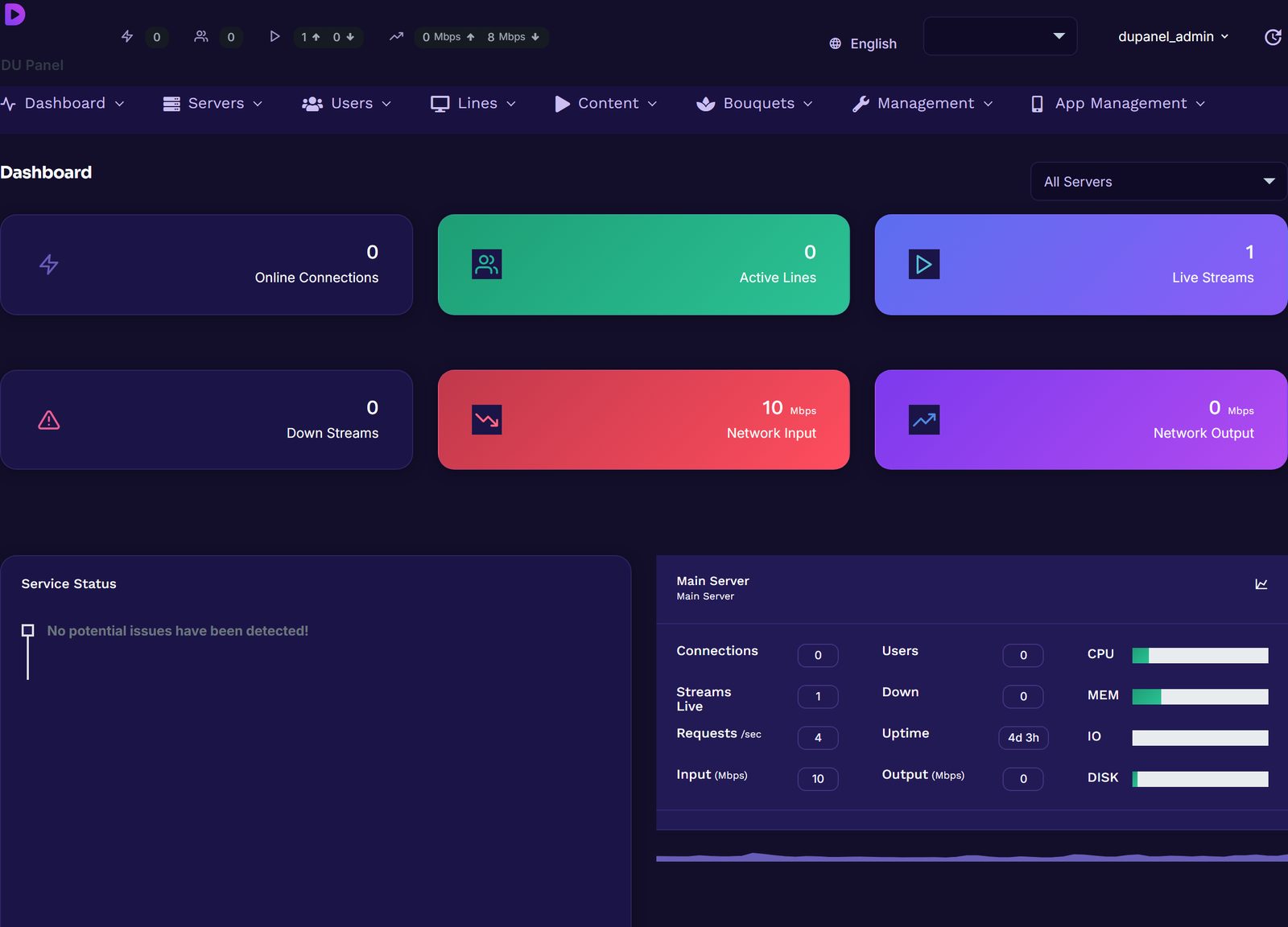
The real panel — actual screenshots, not mockups.
Every screen below is captured from a running DU Panel. Pick a screen; click any of them to open it full-size.
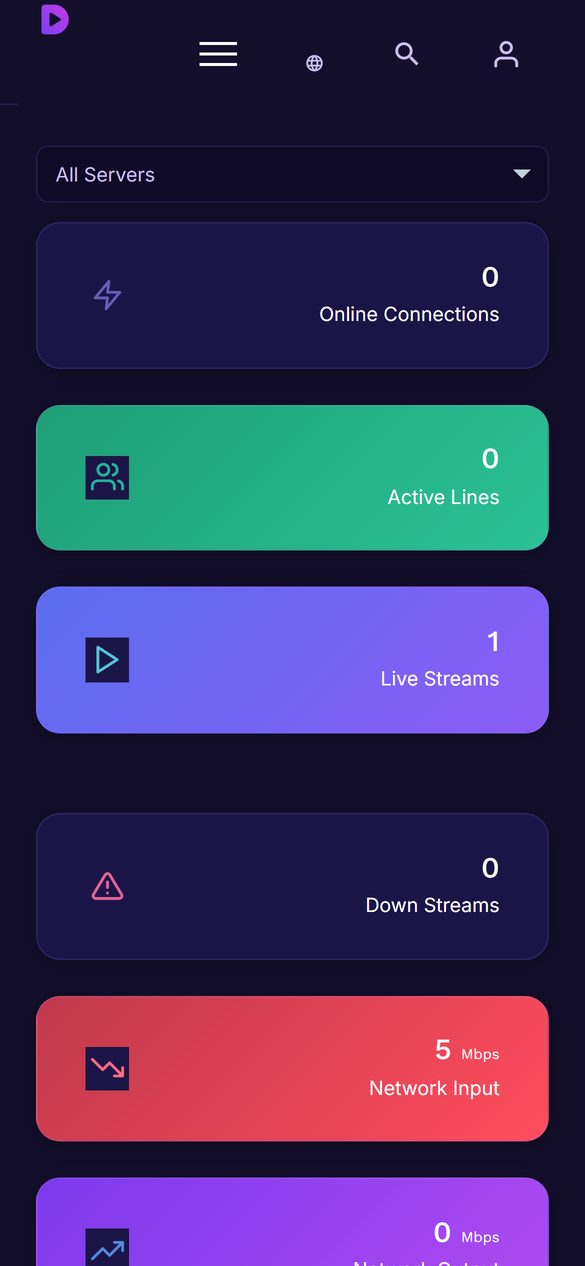
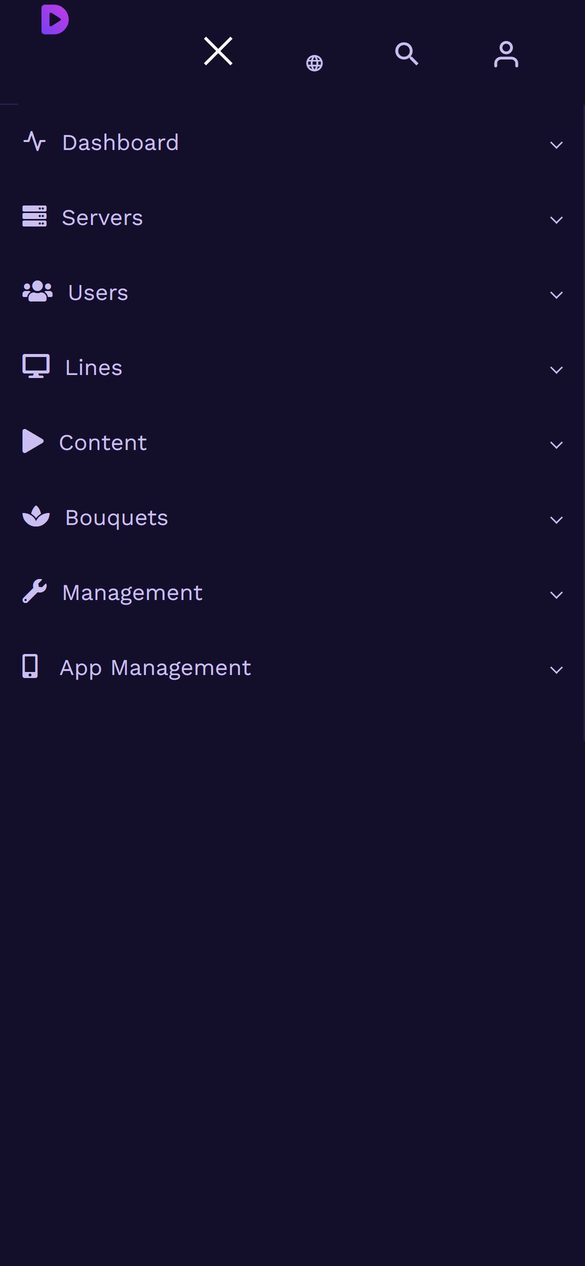
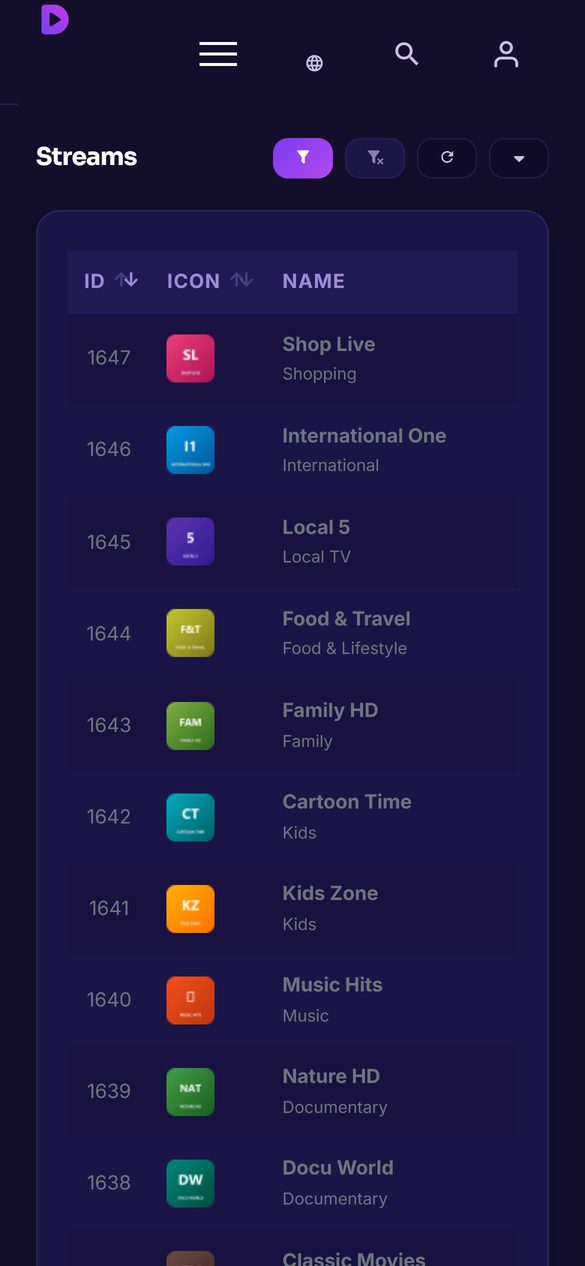
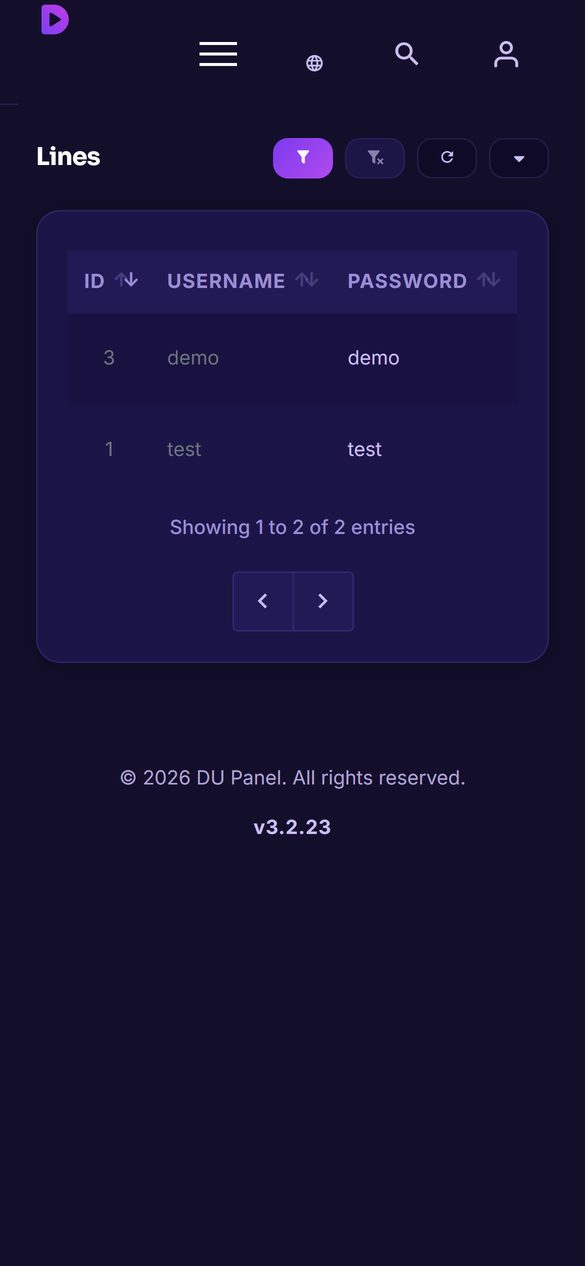
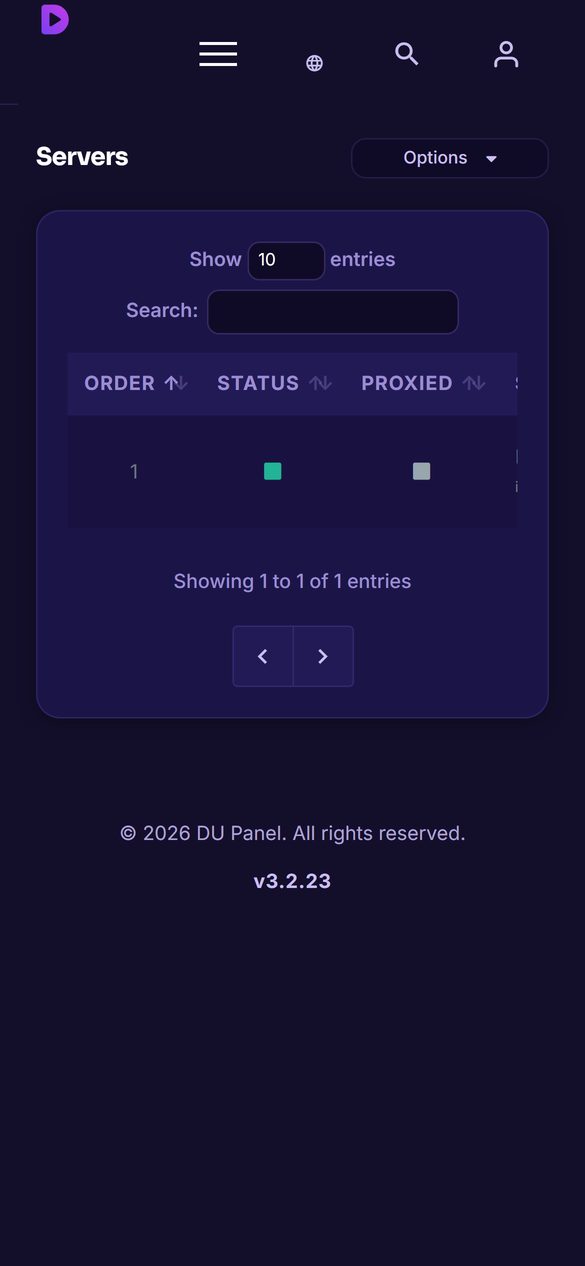
The whole panel works from a phone.
The admin is fully responsive — dashboard, streams, lines, servers and app management reflow to a phone screen with a drawer menu. Fix a stream or extend a line from wherever you are.
Your customers get the apps free. Other panels make you buy them.
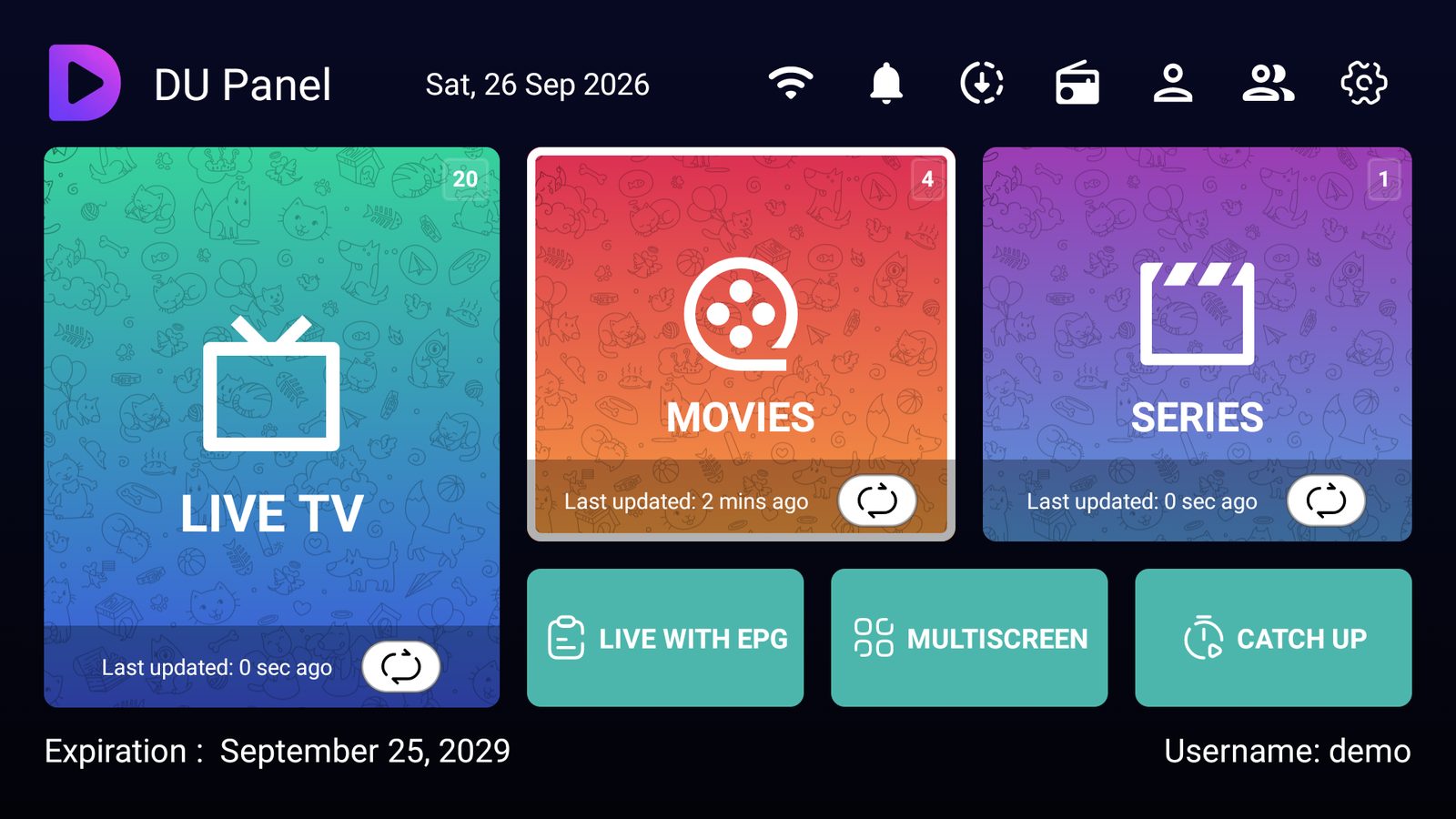
DU Panel ships its own Android / Fire TV / Android TV app, an iPhone & iPad app and a Roku channel — all three identical, all three included with your panel. No third-party app licences, no per-device fees. They wear the theme you upload in the panel, show your ads with deep links, and talk to the panel over an encrypted device session instead of the old plain-text player API.
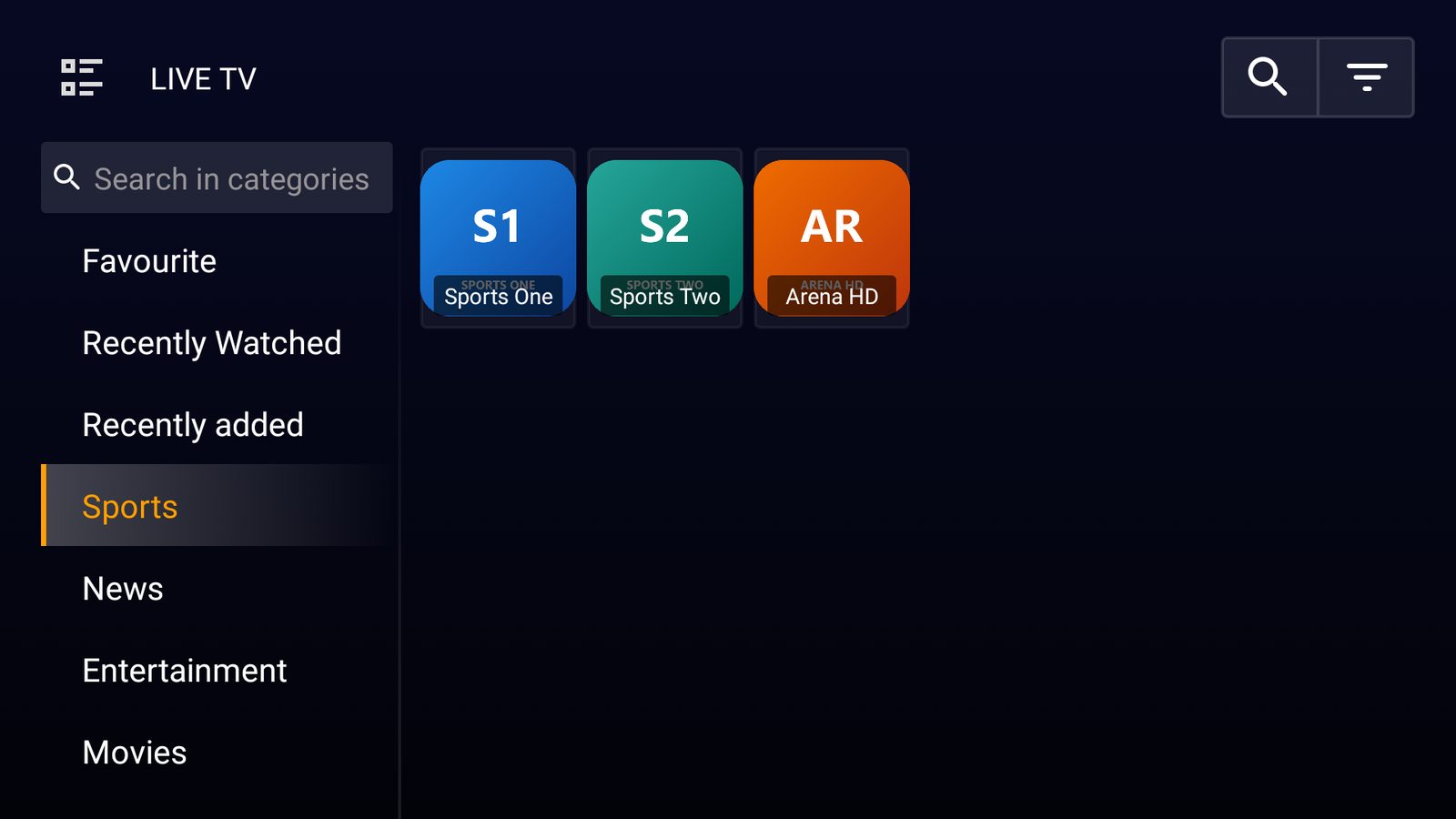 Live TV · categories, favourites, recently watched
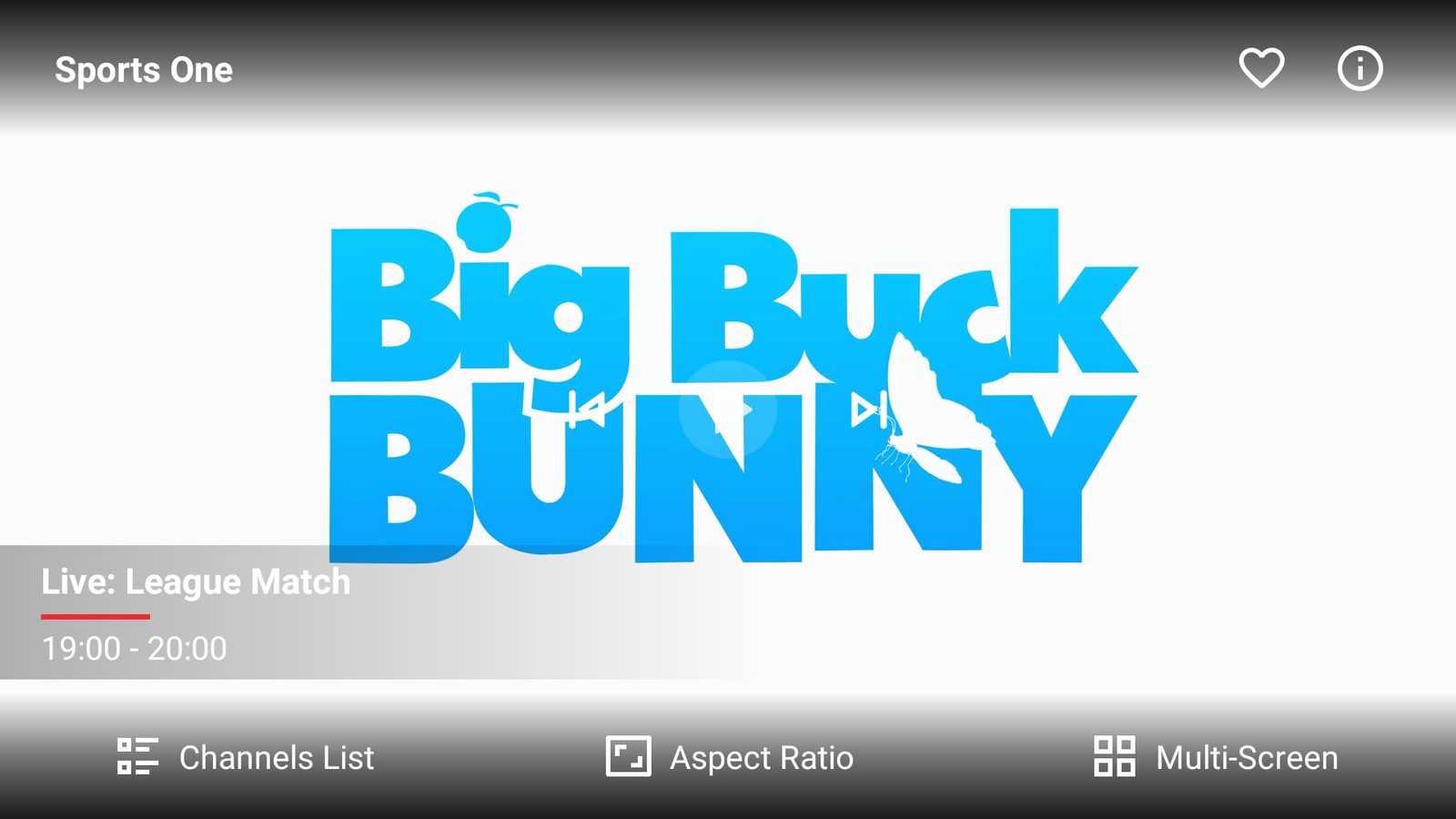 Player · now/next from the guide, channel list, multi-screen
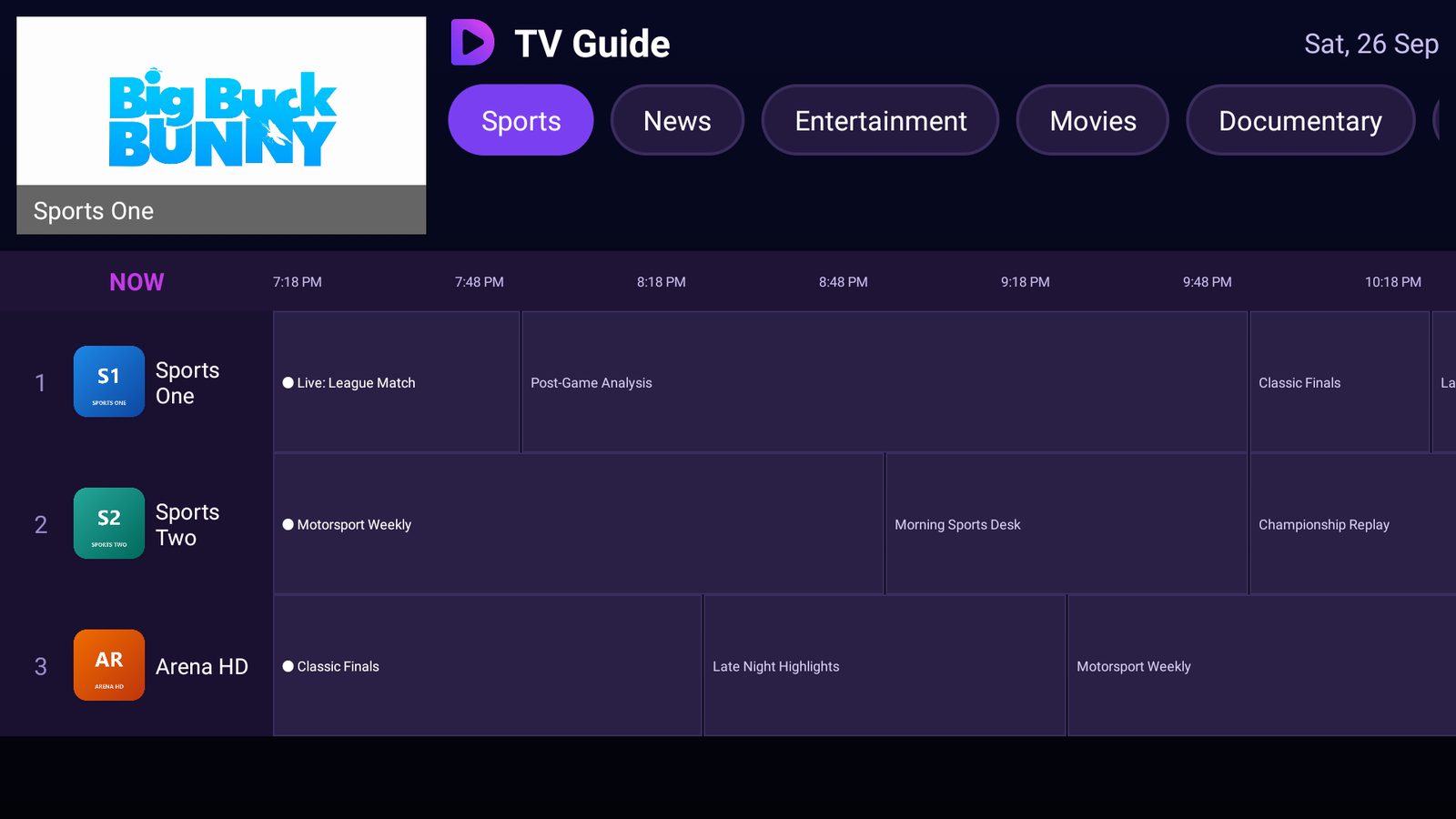 TV Guide · grid with live preview
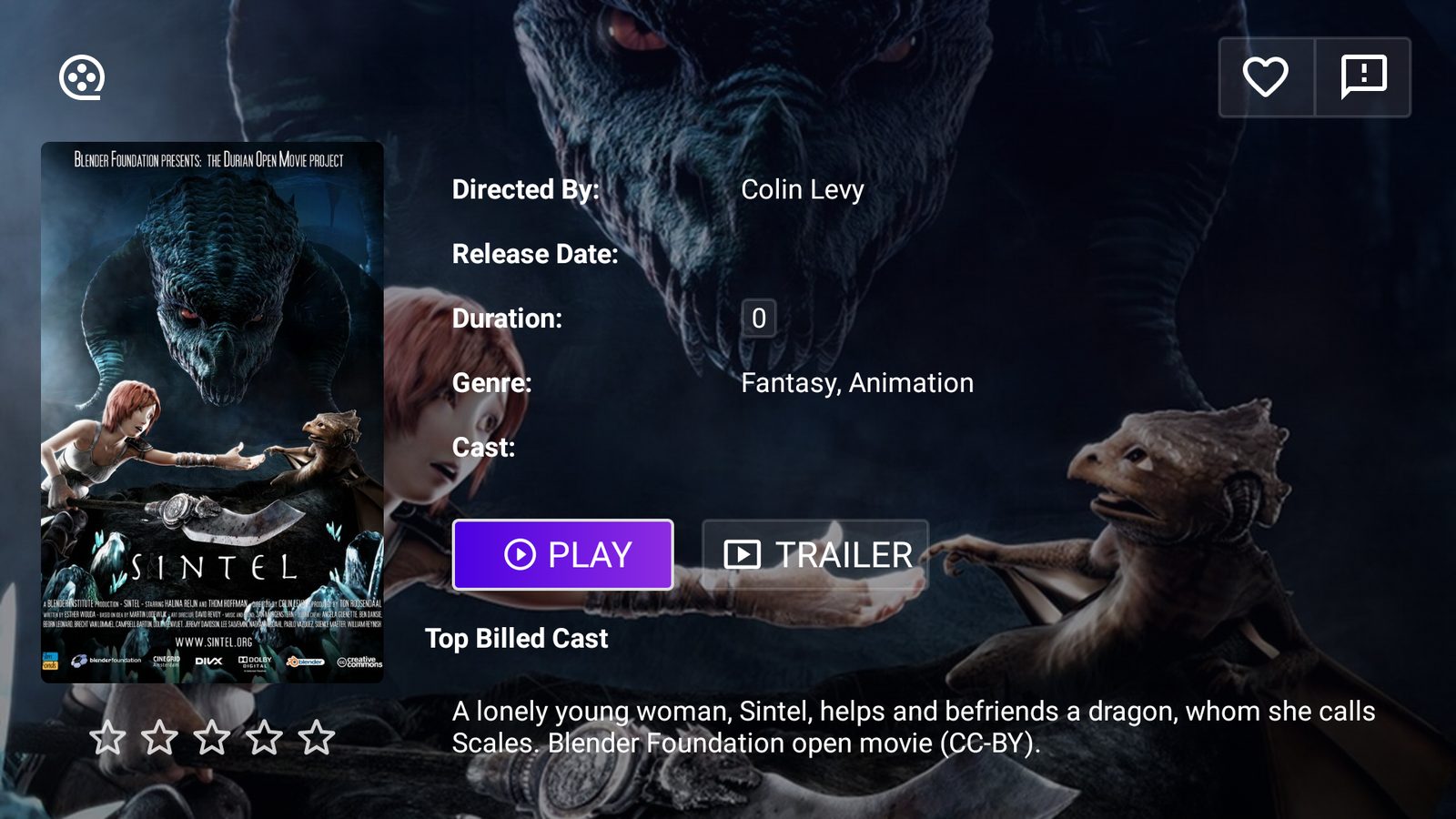 Movie details · poster, cast, trailer, resume
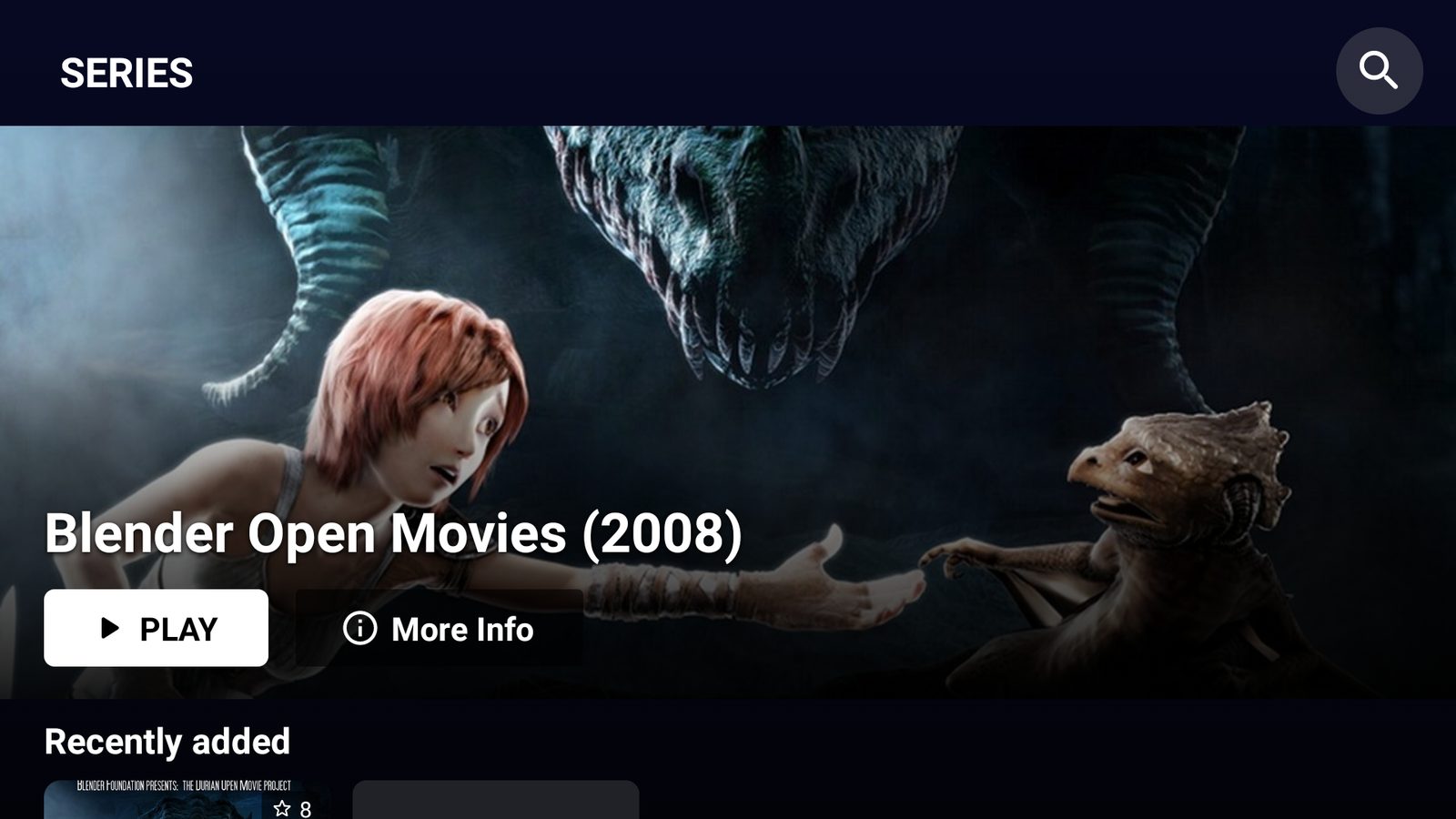 Series · seasons and episodes
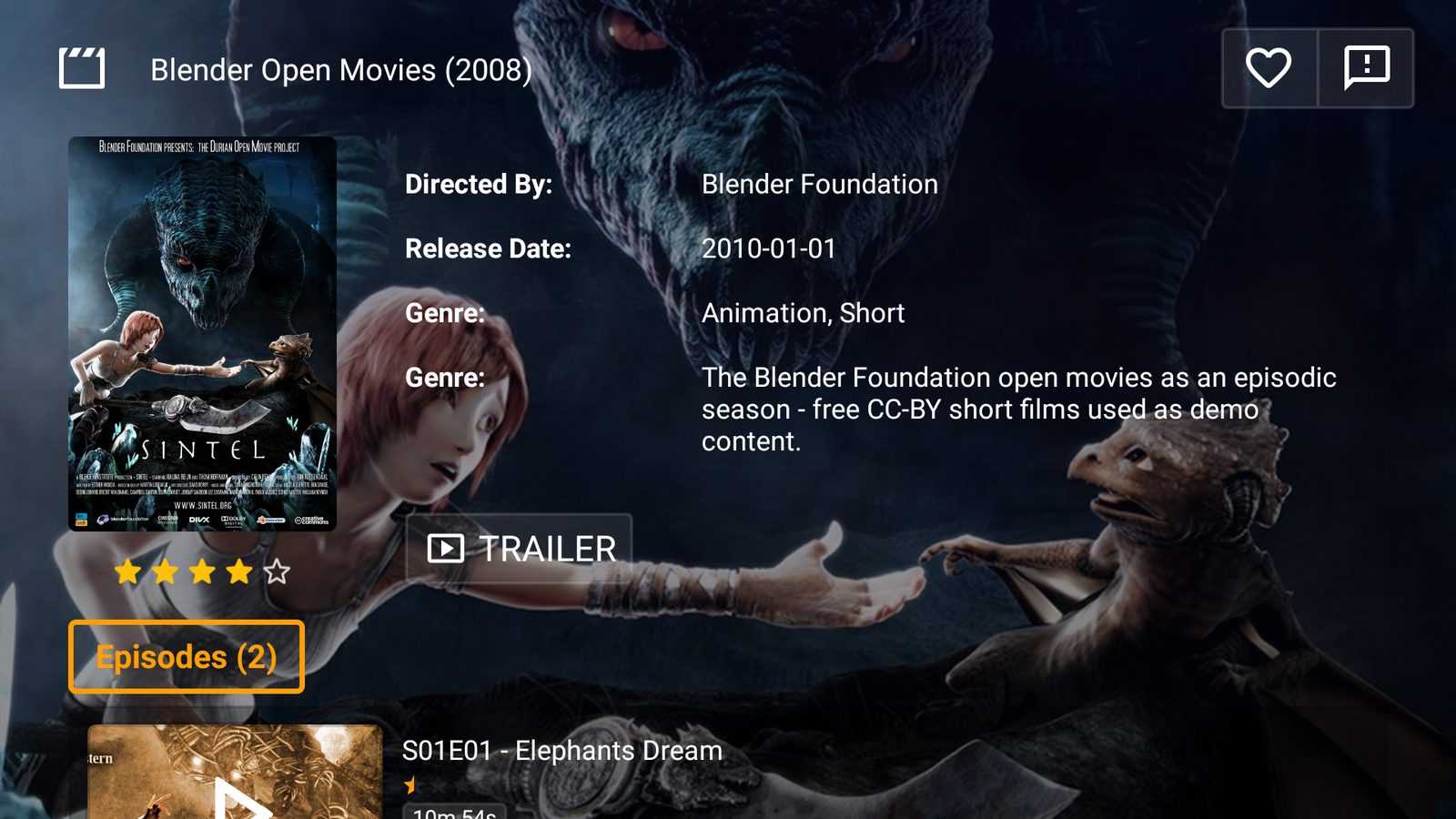 Series details · episode list with progress
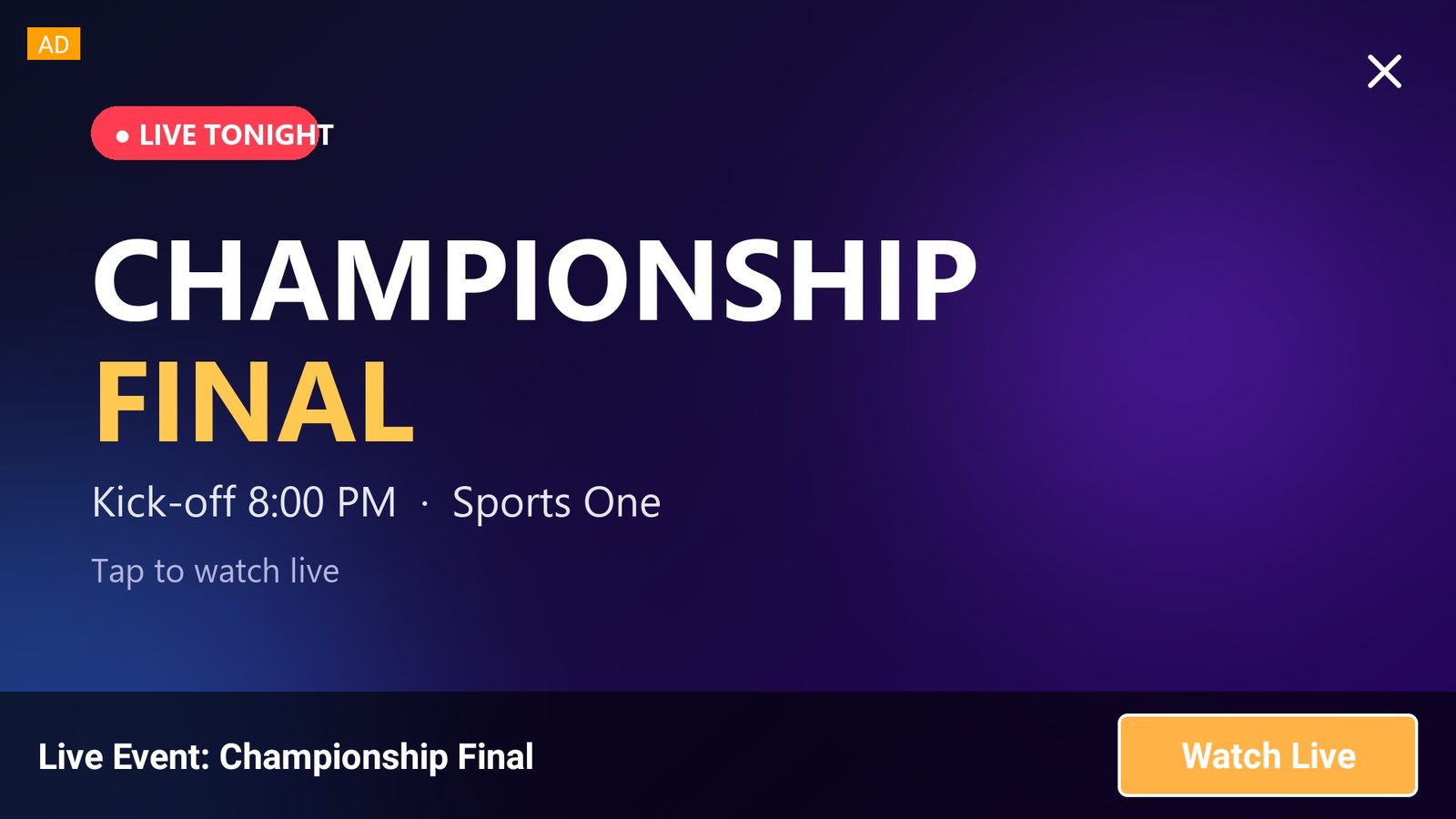 Your ads · pop-up with a deep link to a channel or movie
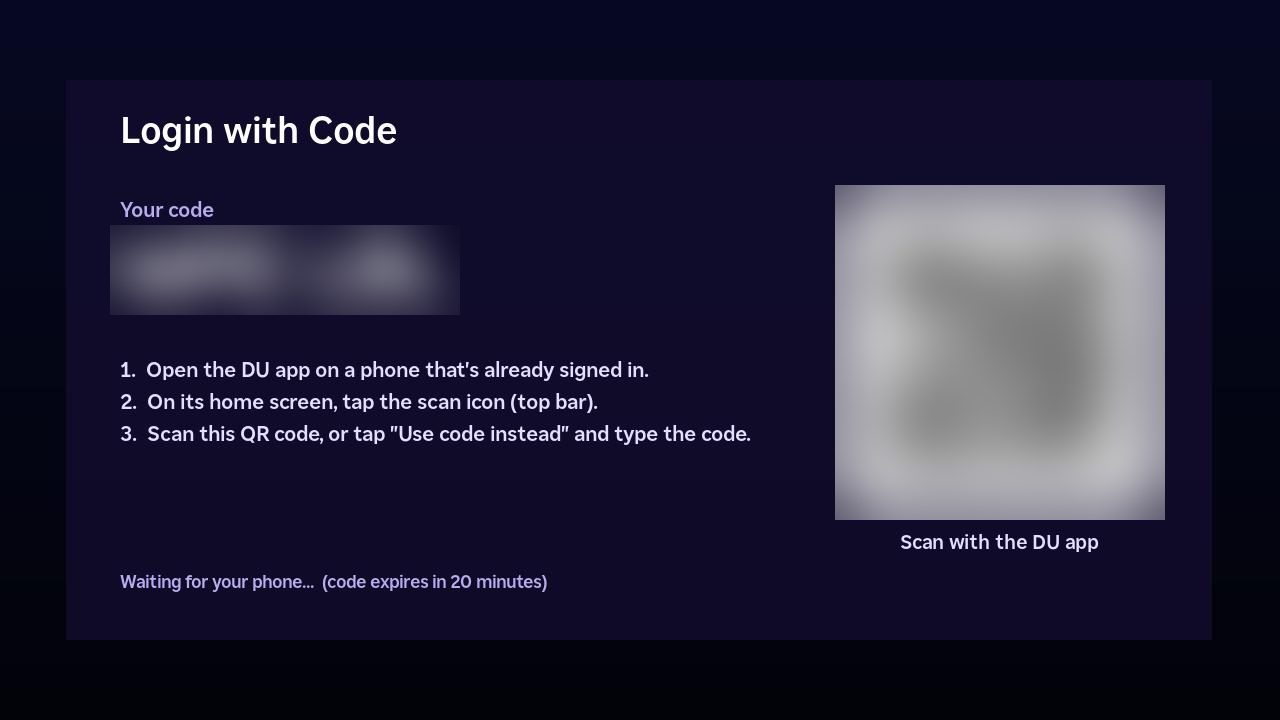 Login with Code · scan from a signed-in phone
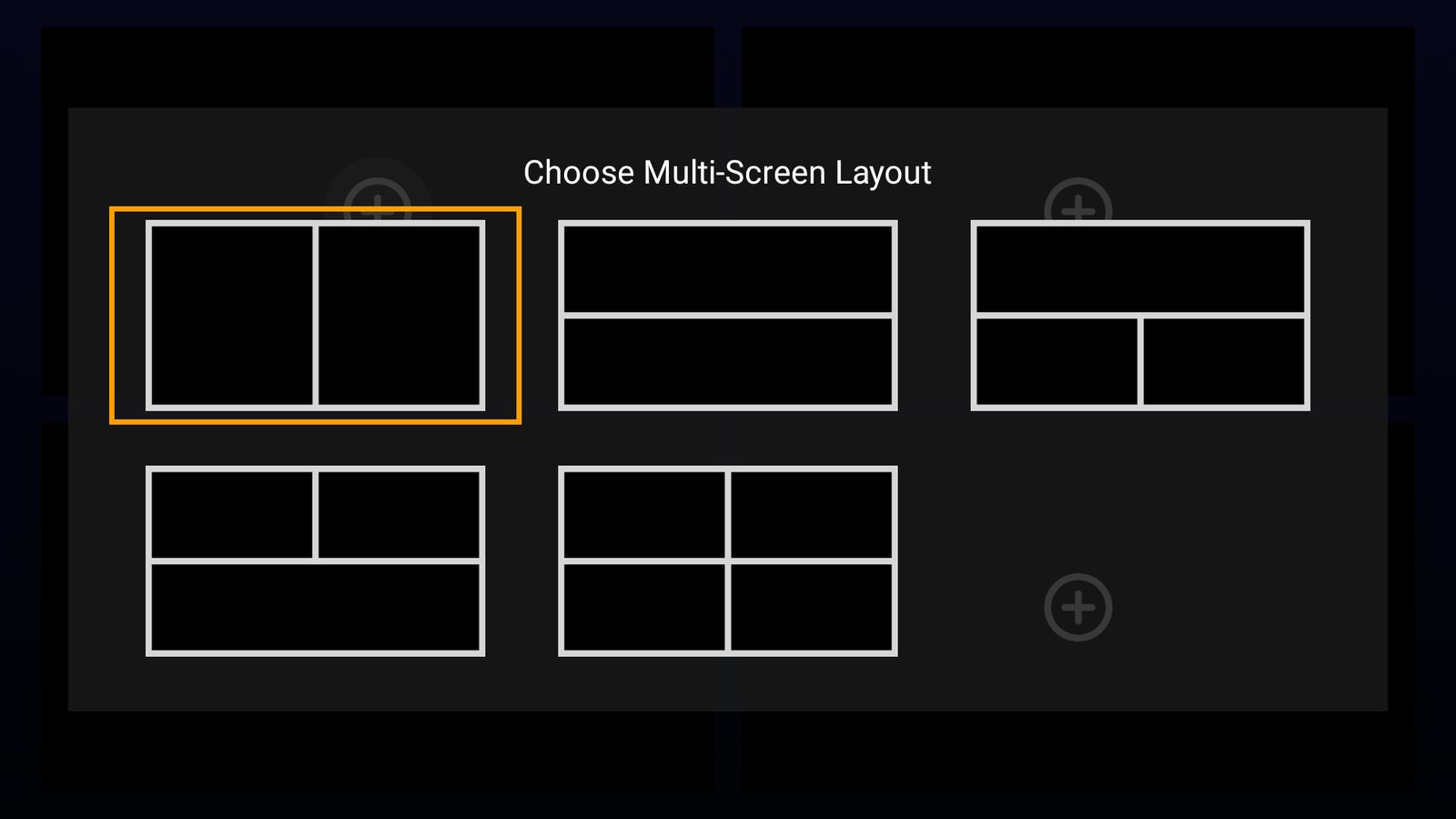 Multi-screen · up to four channels at once
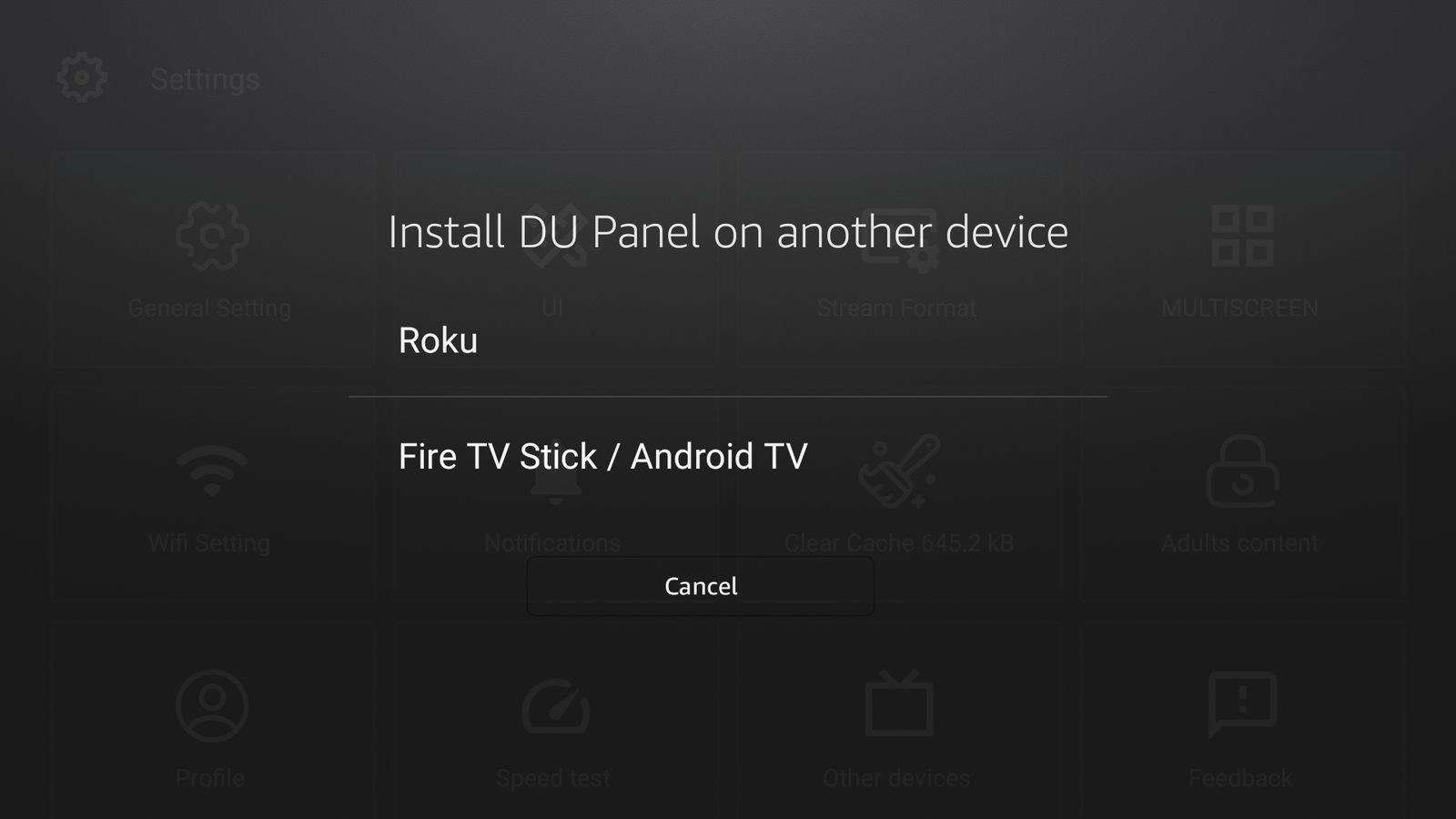 Other devices · install on a Roku or Fire TV from the app
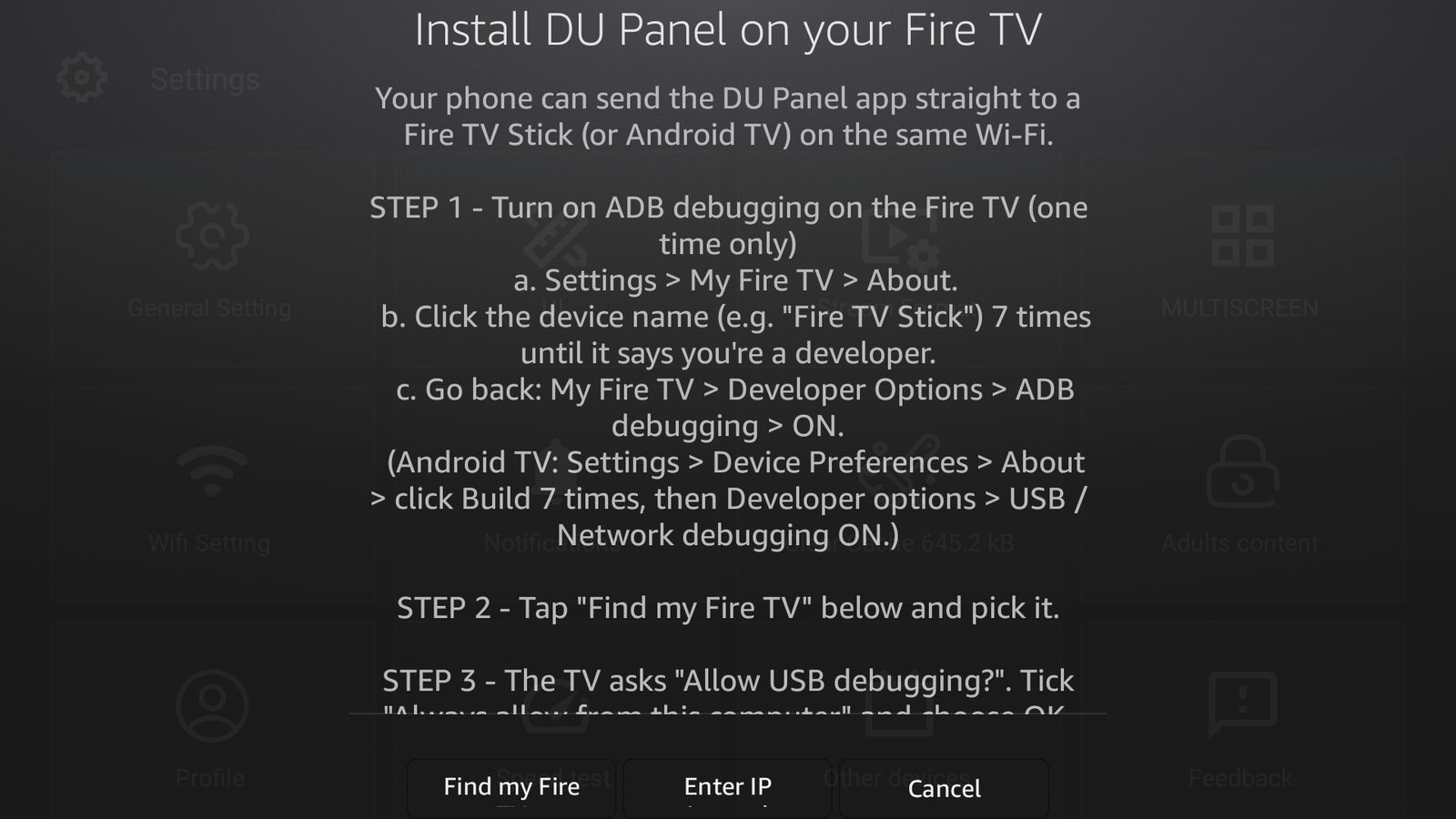 Guided install · finds the TV, installs, signs it in
Screens captured from the Android / Fire TV app on a demo panel. The iPhone app and Roku channel use the same layout. Demo content is CC-BY open films; DU Panel hosts no streams.
Everything an operator needs, without the bolt-ons.
An original platform, built end to end — every major subsystem purpose-built, and the whole runtime on current releases.
Multi-server load balancing
Origin plus edge/proxy nodes in any region. Slave auto-provisioning, health checks, and automatic viewer failover — capacity scales sideways while the origin stays clean.
~6 second zap time
On-demand live channels spin up and play from cold in about six seconds, then stay put. No 30-second waits, no click-it-twice, no restart loops.
Analyze & auto-configure
One button probes a source and fills the best ffmpeg settings for it — native frames, multi-codec, probesize, compatibility — then drops you on the server tab to save.
Full catalogue
Live TV, movies, series and episodes, radio and 24/7 created channels. HLS, MPEG-TS and RTMP out, timeshift and catch-up archive, watch folders, Plex and M3U import with review.
Every client your customers own
Xtream Codes player API with M3U and XMLTV, a MAG/Stalker (Ministra) portal with HMAC-bound device tokens, and Enigma2 receivers.
Resellers, sub-resellers & credits
Separate admin and reseller panels. Packages, a credit ledger, permission groups and sub-resellers — they create lines, you keep the ceiling.
Security overhaul
MFA (TOTP), CSRF tokens, SameSite cookies, bcrypt, encrypted secrets at rest, SSRF guards, brute-force tiers, a tamper-evident audit log and a randomised admin path.
Monitoring & anti-theft
Live connections, per-line activity, RTMP and process monitors. Fingerprinting and on-screen watermarking, restream detection and theft logs.
Cloud backups & restore
Scheduled backups to Google Drive (incl. Shared Drives) or Dropbox, restore-from-cloud with a safety snapshot, and per-line compliance export/delete.
Encrypted (DRM) sources
Restream Widevine, PlayReady and ClearKey MPD/DASH plus tokenised HLS. Paste a KID:KEY, or point a licence server and your own .wvd/.prd device at it and keys are fetched automatically on every load.
Per-stream VPN & proxy
Give a geo-locked source its own WireGuard tunnel or HTTP proxy — only that stream's fetch goes through it, one stable exit IP, your server's own networking left untouched.
Custom themes & branding
Rename the panel, set your colours, and drop in your own CSS to restyle everything look-wise — safely sandboxed, so a theme can't run code or break the panel.
Lossless panel migration
Move your whole existing panel across in the setup wizard — same line usernames and passwords, stream IDs, reseller logins, bouquets and EPG. Point your DNS here and customers change nothing.
Community feedback board
Every install shares one board — request features, report issues and vote them up. What operators vote for is what gets built next; the roadmap follows the votes.
A current stack, prebuilt and ready in minutes.
Legacy panels ship PHP 7.x and a decade-old ffmpeg. DU Panel ships prebuilt, signed builds of PHP 8.5, nginx 1.31, Redis 8 and ffmpeg 8 for your Ubuntu release — the installer downloads them, nothing compiles on your box, and the panel updates the stack from the same signed channel.
# Fresh Ubuntu 22.04 / 24.04 / 26.04 · 2 CPU · 4 GB · 25 GB · ~3-5 min
$ sudo apt update && sudo apt install -y curl && curl -fsSL https://dupanel.app/install | sudo bash

✓ nginx 1.31.0 · php 8.5.6 · mariadb 11.4 · redis 8.6 · ffmpeg 8.1
✓ admin url  → http://187.45.219.10/Xa9bP3z2/
✓ credentials → /root/dupanel-credentials.txt
One-shot installer. No /admin/ route.
The installer provisions the database, pulls the prebuilt stack for your OS, and aliases a random 8-character path to the admin panel — rotatable from inside the UI. Edge and balancer nodes join from the Servers page.
Where the panel goes from here.
Fixes ship weekly. These are the larger pieces in progress — built around what operators tell us they need.
You decide what's next
The in-panel feedback board is open to every install — request features, report issues and vote. The most-wanted items lead the roadmap.
Free apps + App Management
Android, iPhone and Roku apps with themes, deep-link ads, Login with Code and cross-device resume — managed from the panel. Next: app-store listings and per-reseller app builds.
More one-click migrations
Bring your panel across from more source families, on top of the migrations already built into the setup wizard.
Full access from day one. Pay only if you keep it.
Install and go live immediately — no account, no card. The panel runs free for 30 days; keep it by starting a plan. One licence per main server, month to month, with unlimited load balancers for a flat add-on.
- → Every feature unlocked, go live right away
- → No account, no card, no checkout
- → Runs entirely on your own server
- → Locks after day 30 unless you start a plan
- ✓ Full panel, one main server
- ✓ Classic + modern UI, resellers, MAG/Enigma2
- ✓ Online licence + priority updates
- ✓ Cancel anytime
- ✓ Unlimited load-balancer servers
- ✓ Any region, added in the panel
- ✓ Auto-failover across nodes
- ✓ Stacks on the Main server plan
Secured by Stripe & PayPal · Cancel anytime · No hidden fees
Spin up your panel in minutes.
Install on your VPS, add your first source, and go live. Every feature is unlocked free for 30 days — start a plan to keep it running.
Good to know
Does DU Panel host or provide any streams?
No. DU Panel is management software only — it hosts no streams, channels or media. You run it on your own server to organize and deliver content you own or are authorized to distribute. You are responsible for what's on your panel, and we have no access to or visibility into it.
Do I need an account to try it?
No. Install DU Panel on your VPS and it runs free for 30 days automatically — no sign-up, no card, no checkout. Everything is unlocked from the first minute.
Where does it run?
Entirely on your own VPS, under your control. Your streams, your viewers and your data stay on your infrastructure and never pass through us.
Can I keep the classic interface?
Yes. Every install can stay on the classic theme or switch to the modern one. Resellers see whichever you choose — same backend either way.
What counts as a server?
Your main panel/origin is the licensed server. Load balancers are separate nodes — the $10 add-on covers as many as you want.
What happens after the trial?
The panel keeps running only if you start the monthly Main server plan. Do nothing and it simply locks after day 30 until you do — nothing is charged automatically, since there's no card on file.
Can I move my existing panel over?
Yes. The setup wizard imports your whole panel losslessly — same line usernames and passwords, stream IDs, reseller logins, bouquets and EPG. Point your DNS at the new box when it finishes and your customers change nothing.